
Blog
Praktische Artikel zu KI-Personalisierung, Outreach-Strategie und dem was wirklich funktioniert.
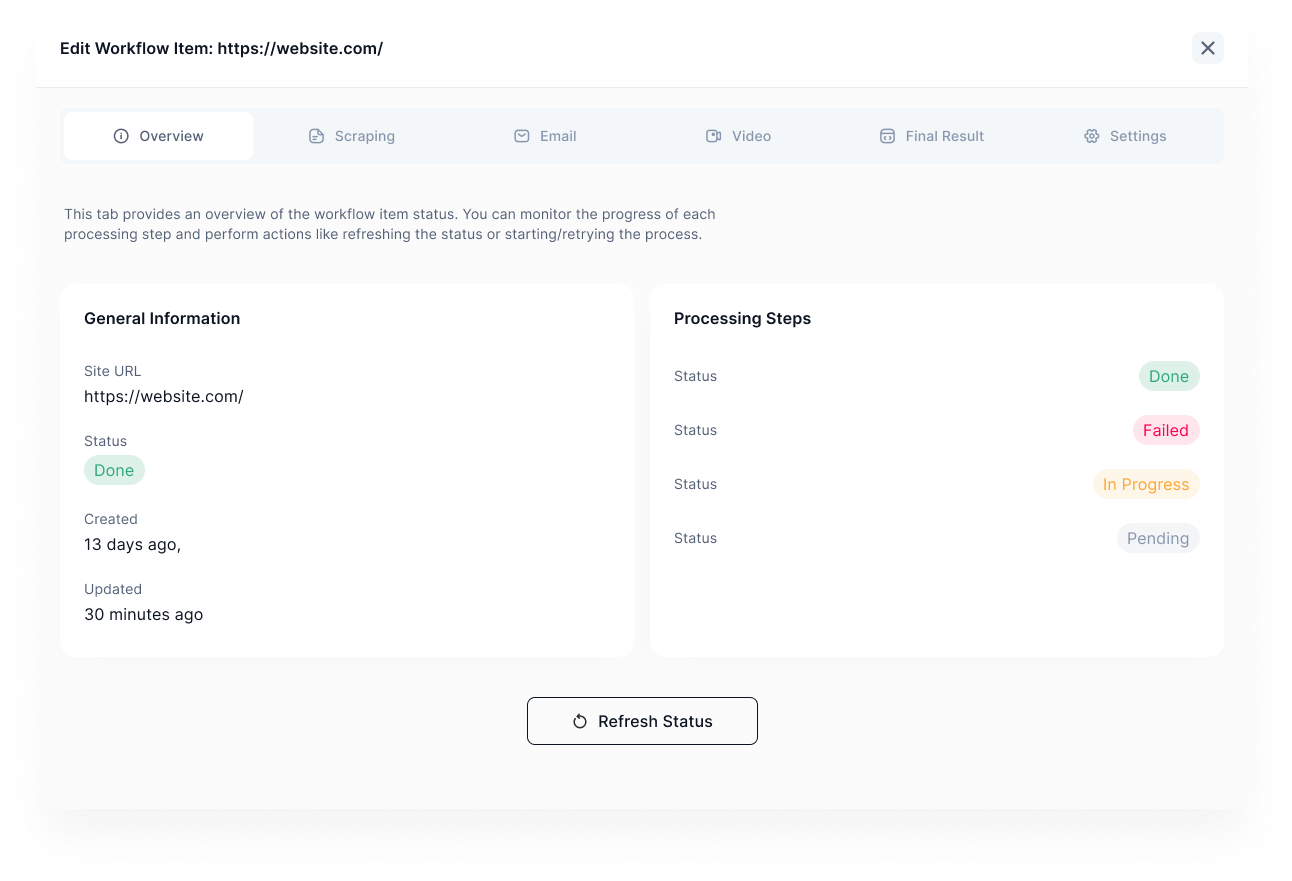 Produkt
Du hast den Namen gehört, aber was steckt dahinter? Wir erklären, was getProspects ist, wie die Software funktioniert und für wen sie gebaut wurde.
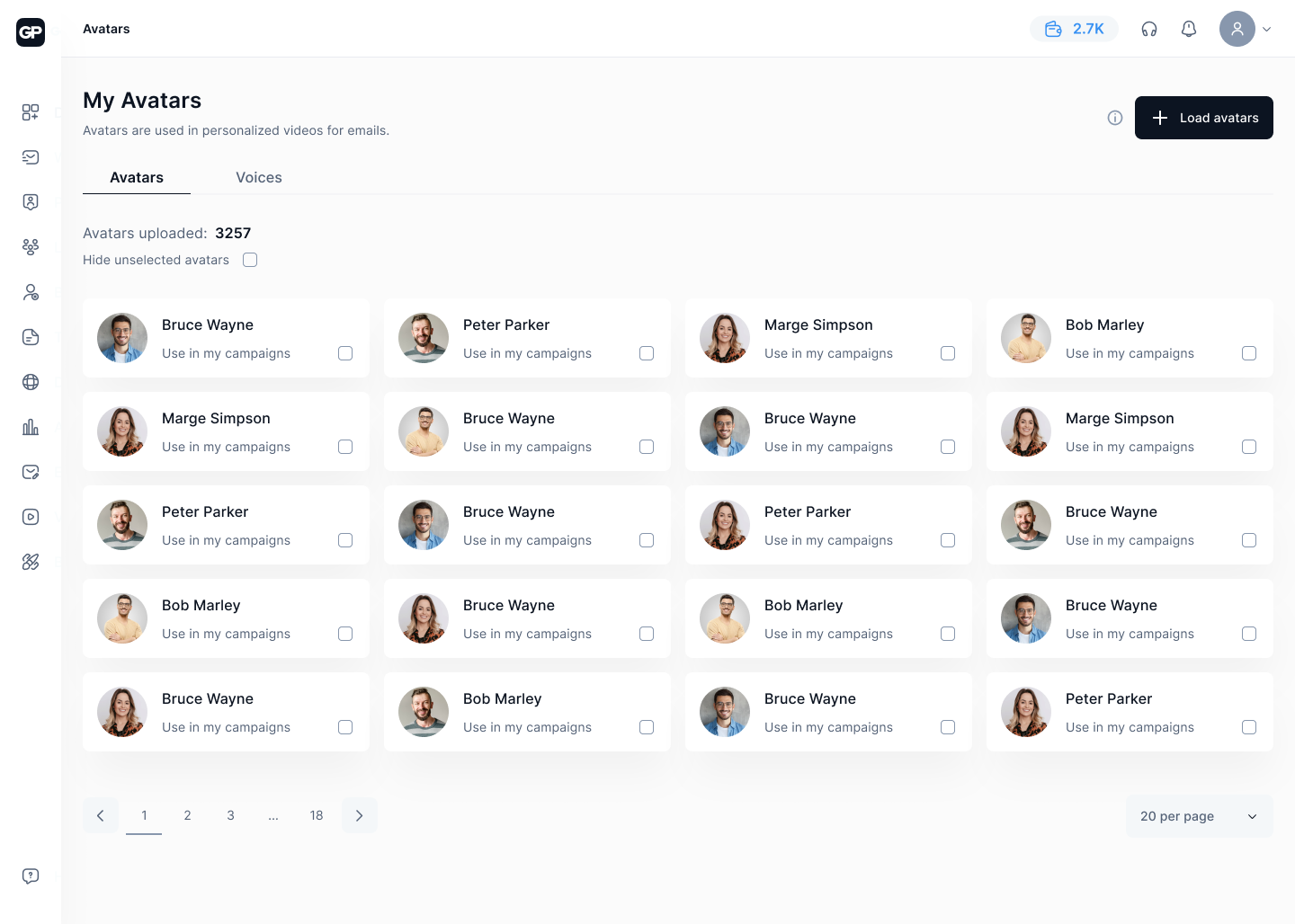 Studie & Insights
Personalisierte Video-Nachrichten erzeugen eine Reaktion, die kein Text replizieren kann. Was die Zahlen dahinter bedeuten und wie du es sofort nutzen kannst.
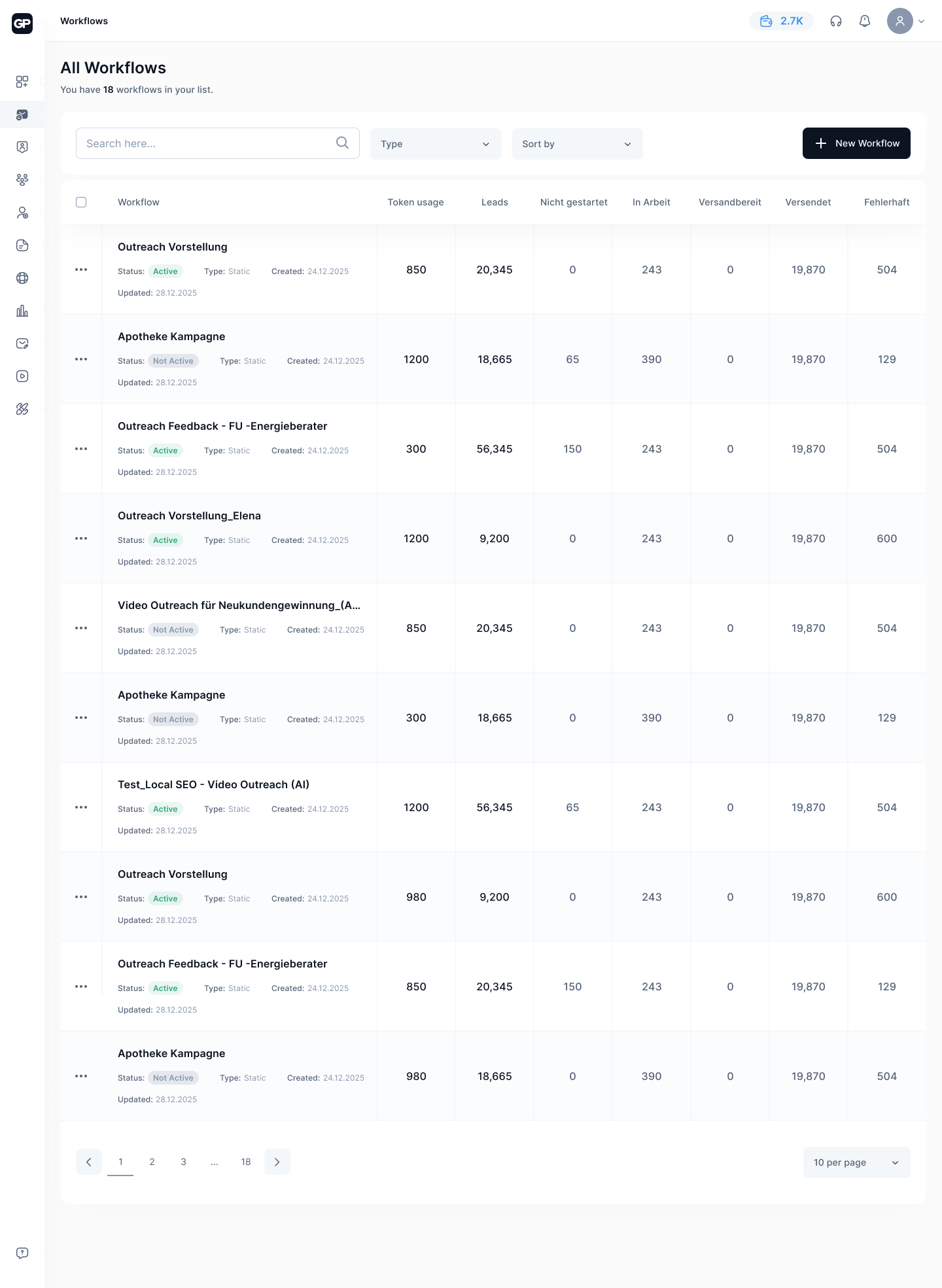 Agenturen
Agenturen, die Outreach für mehrere Kunden betreiben, kennen das Problem: Jede Kampagne ist manuell, jedes Tool separat, jede Übergabe kostet Zeit. Wie getProspects das löst.
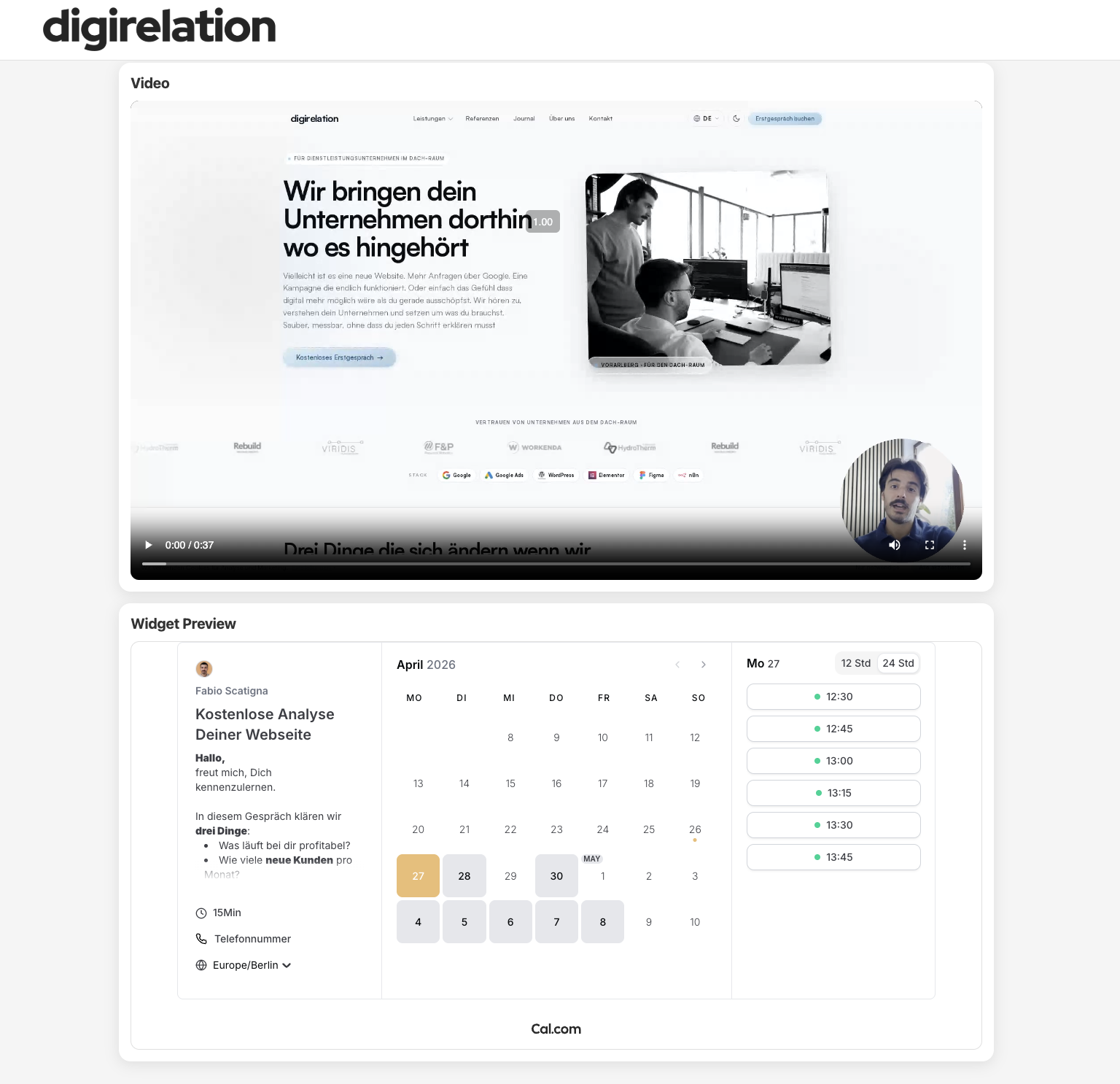 Sales Pages
Statt Links in E-Mails einzufügen, die nirgendwo hinführen: Was passiert, wenn jeder Lead auf einer personalisierten Sales Page mit deinem Terminkalender landet.
 Lead-Scraping
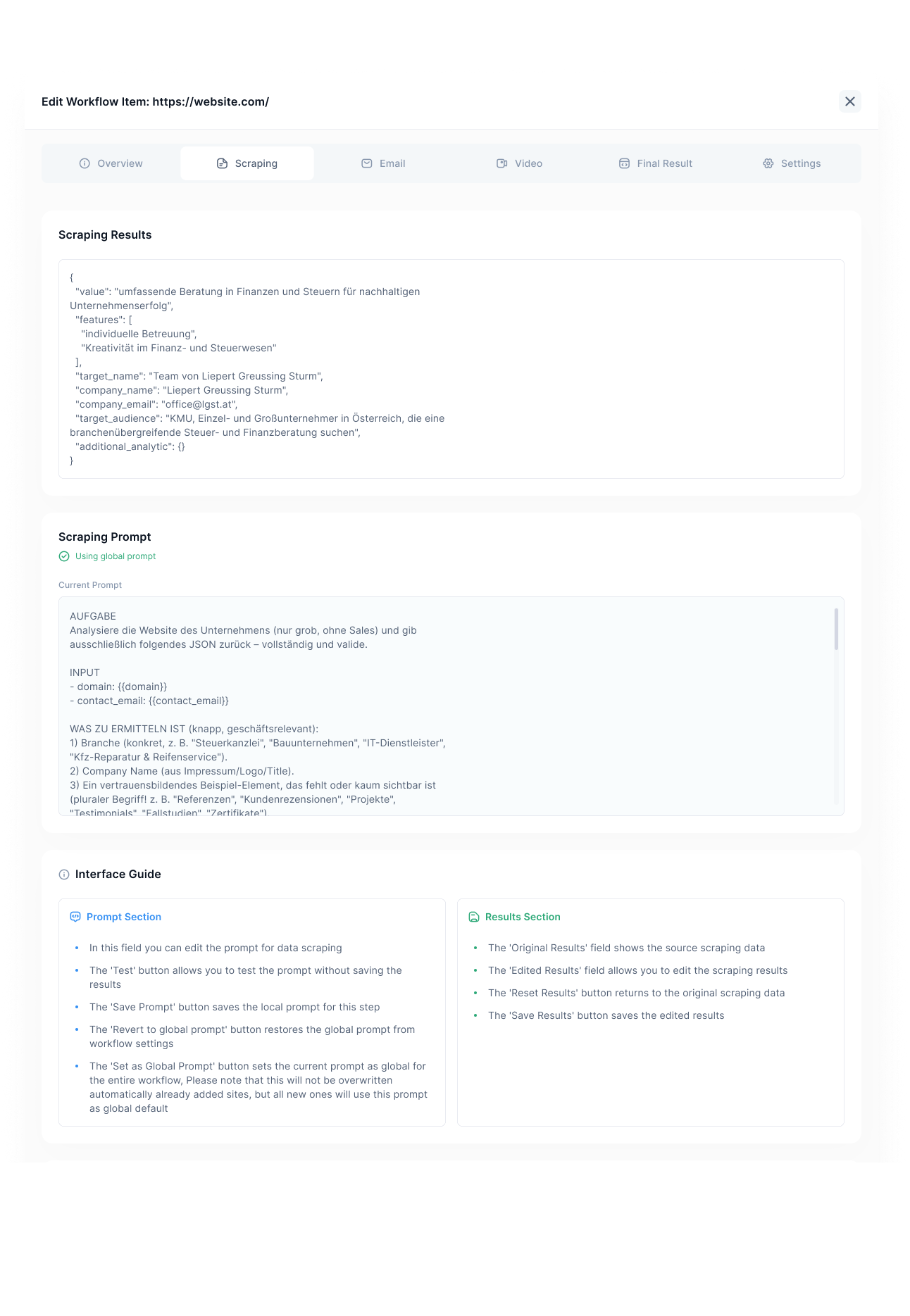
Die meisten Lead-Listen sind halbfertig. Namen, E-Mails — und sonst nichts. Was Scraping und KI-Anreicherung daraus machen können und warum vollständige Profile direkt bessere Ergebnisse bringen.
DSGVO & Recht
Kalte E-Mails im B2B-Bereich sind kein Graubereich, wenn man die Regeln kennt. Wir erklären, was die DSGVO erlaubt, was verboten ist und wie getProspects von Anfang an rechtskonform gebaut wurde.
Automatisierung
Ein guter Outbound-Workflow läuft allein. Wir zeigen, wie du mit getProspects Sequenzen baust, die von der ersten Mail bis zum Follow-up ohne manuellen Aufwand funktionieren.
Studie & Insights
Die meisten Outreach-Kampagnen liegen bei 2–5% Antwortrate. Mit den richtigen Stellschrauben sind 15–25% realistisch — ohne mehr Mails zu schicken.
 Strategie
Content Marketing, LinkedIn Ads, Kaltakquise, SEO — welche Kanäle bringen 2025 noch qualifizierte B2B-Leads? Ein ehrlicher Überblick mit klaren Empfehlungen.
 Kaltakquise
Kaltakquise ist nicht tot. Aber die Methoden von vor fünf Jahren funktionieren kaum noch. Was heute wirklich Antworten bringt und welche Fehler die meisten machen.
Strategie
LinkedIn ist der effektivste Kanal für B2B-Kaltakquise — wenn man es richtig macht. Wer generische Connection-Requests schickt, rauscht durch. Wer echten Kontext nutzt, landet im Gespräch.
 Kaltakquise
Eine kalte E-Mail hat genau eine Chance. Hier ist, wie du die Struktur richtig aufbaust, die häufigsten Fehler vermeidest und was aus echten Kampagnen funktioniert.
 Gratis Credits
Du willst getProspects testen, ohne sofort zu bezahlen? Kein Problem. Wir erklären, wie du kostenlos an Credits kommst und was du damit alles machen kannst.
Automatisierung
Manueller Outreach skaliert nicht. Aber falsch automatisierter Outreach funktioniert auch nicht. Hier ist der Mittelweg: ein System, das personalisiert wirkt und trotzdem automatisch läuft.
KI & Video
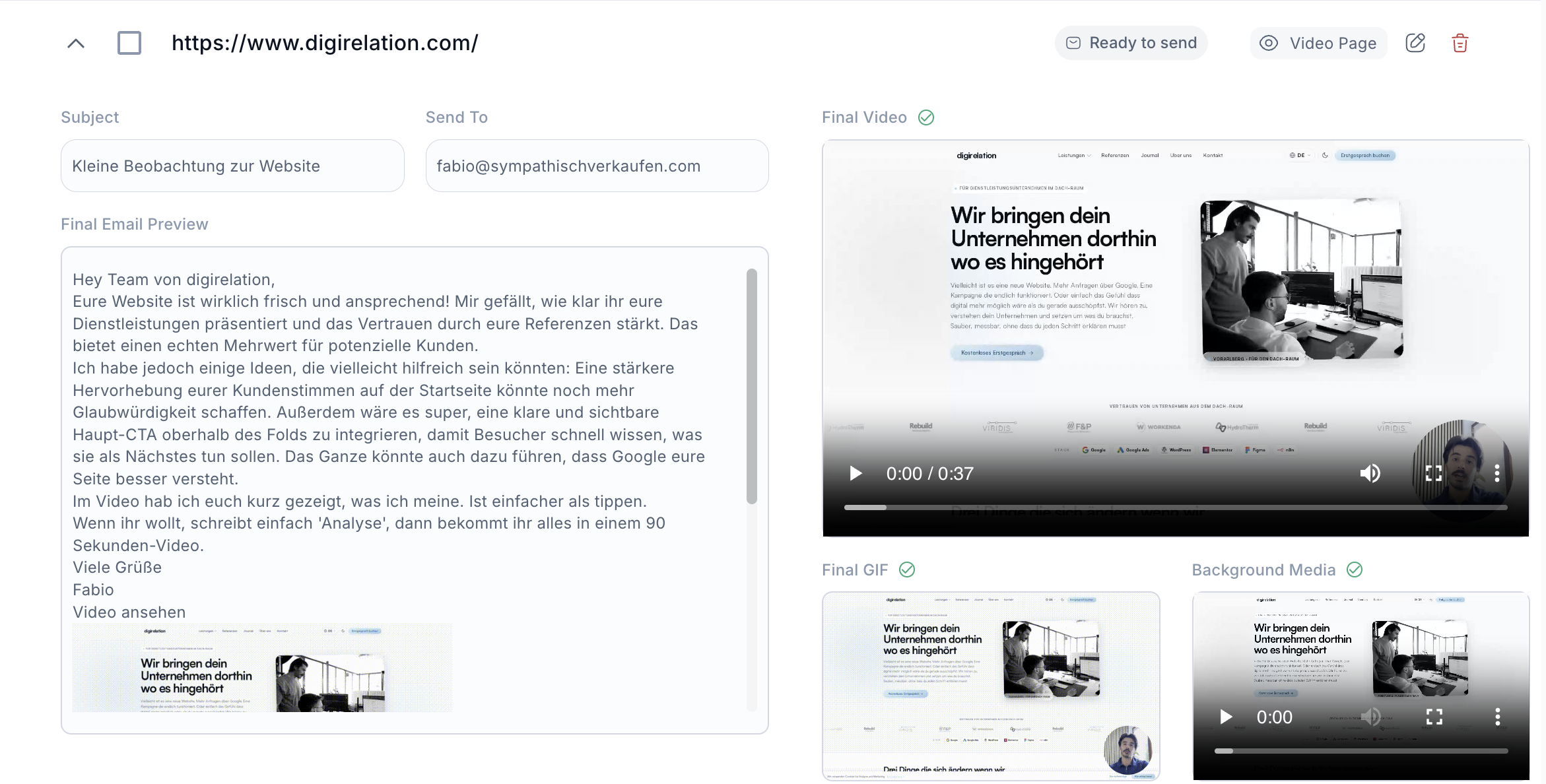
Personalisierte Texte werden ignoriert. Personalisierte Videos nicht. Wir zeigen, wie KI-Avatar-Videos im B2B-Outreach funktionieren und warum die Ergebnisse den Unterschied machen.
Kaltakquise
Kaltakquise hat keinen guten Ruf — und meistens zu Recht. Aber das Problem ist selten die Kaltakquise selbst, sondern wie sie betrieben wird. Hier sind die fünf Hebel, die tatsächlich etwas ändern.
Use Case
Dein CRM ist ein Schatzkasten — und der größte Teil schläft. Wie du mit einem systematischen Ansatz das schnellste Umsatzwachstum hebst, das ein B2B-Unternehmen erreichen kann.
Strategie
Mehr als 90 % der Kaltakquise-E-Mails werden gelöscht, bevor der Empfänger die zweite Zeile liest. Der Grund ist selten das Angebot — es ist der fehlende Kontext.
Praktische Strategien zu KI-Personalisierung, Kaltakquise und B2B-Outreach — einmal pro Woche. Kein Spam.
Kein Spam · Jederzeit abbestellbar · DSGVO-konform
oder direkt einsteigen
100 Credits gratis, keine Kreditkarte, in 5 Minuten startklar.
Wissen & Wachstum
Produkt
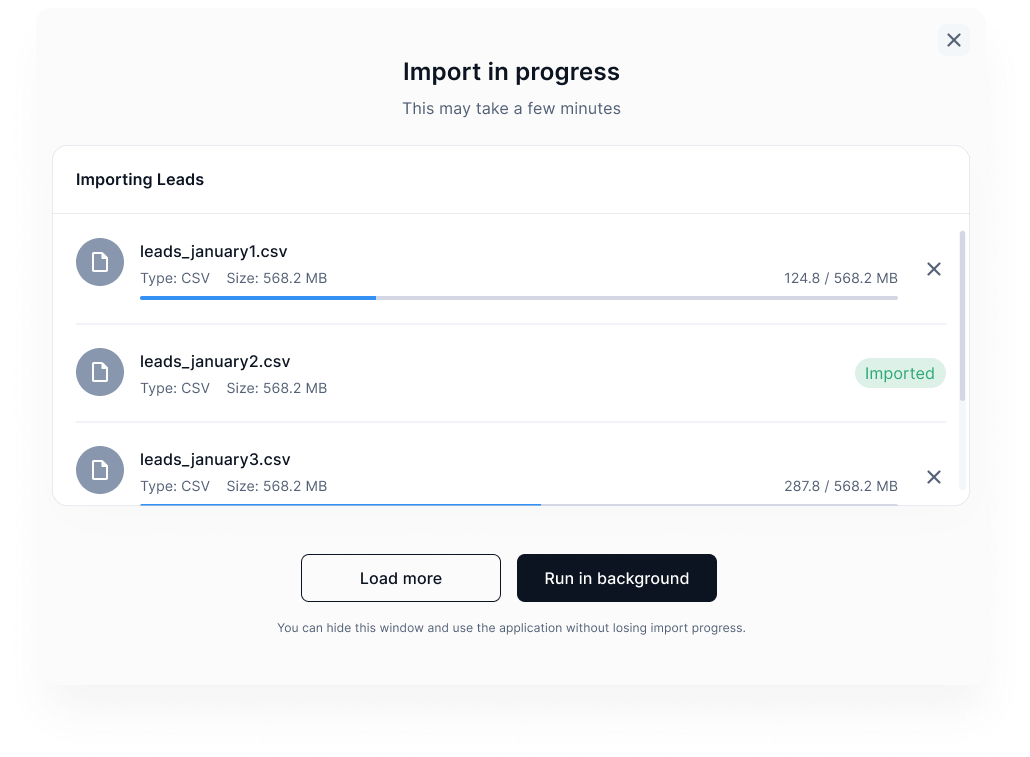
Sieh live, wie getProspects personalisierte E-Mails und KI-Avatar-Videos vollautomatisch erstellt — von der Kontaktliste bis zum Versand.
Produkt
Du hast den Namen gehört, aber was steckt dahinter? Wir erklären, was getProspects ist, wie die Software funktioniert und für wen sie gebaut wurde.
Studie & Insights
Personalisierte Video-Nachrichten erzeugen eine Reaktion, die kein Text replizieren kann. Was die Zahlen dahinter bedeuten und wie du es sofort nutzen kannst.
Agenturen
Agenturen, die Outreach für mehrere Kunden betreiben, kennen das Problem: Jede Kampagne ist manuell, jedes Tool separat, jede Übergabe kostet Zeit. Wie getProspects das löst.
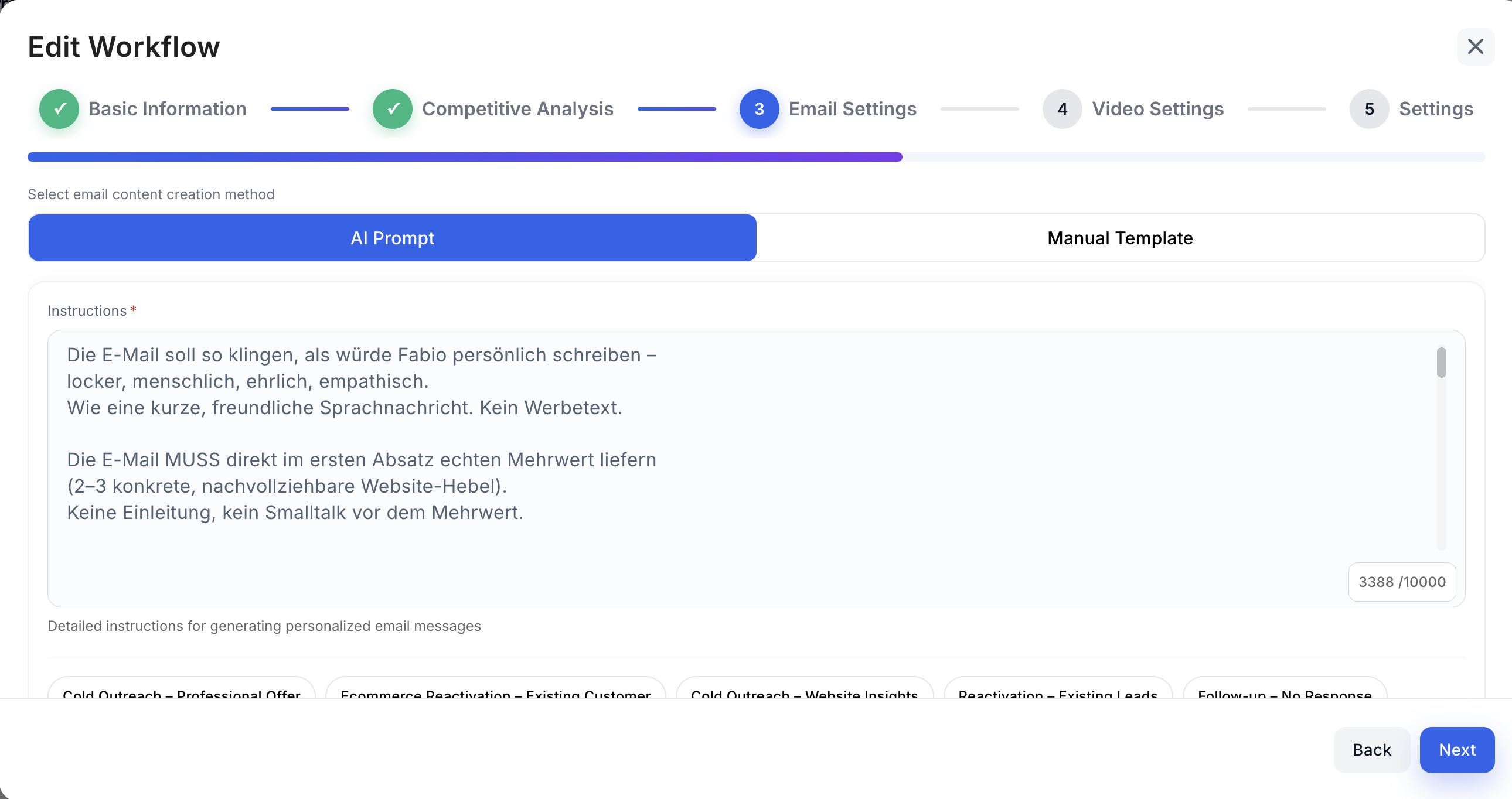
Erlebe, wie KI aus deinen Daten überzeugende, persönliche Nachrichten erzeugt, die sofort mehr Gespräche starten.
Wähle welche Cookies du erlaubst.